內容簡介
總結:DiscountPilot是一個能讓你為WooCommerce商店建立複雜且高轉換率折扣規則的外掛。從簡單百分比折扣到高級的BOGO優惠和分層定價,這個外掛讓你完全掌控商店的定價策略。
問題:
1. DiscountPilot的主要優勢有哪些?
- Boost Sales(促銷銷售):鼓勵客戶通過批量和捆綁折扣購買更多。
- Increase Average Order Value (AOV)(提高平均訂單價值):用個性化定價獎勵忠實客戶。
- Smart Conditions(智能條件):僅在滿足特定條件時應用折扣(購物車總額、客戶角色等)。
- Automated Marketing(自動化行銷):自動應用優惠券並創建基於URL的促銷。
2. DiscountPilot提供的免費功能有哪些?
- Simple Discounts(簡單折扣)
- Bundle Discounts(捆綁折扣)
- Buy X Get X (BOGO)(買X送X)
- Buy X Get Y(買X送Y)
- Dynamic Product Filtering(動態產品過濾器)
- Advanced Product Properties Filter(高級產品屬性過濾器)
- Basic Cart Conditions(基本購物車條件)
- Cart & Coupon Discounts(購物車和優惠券折扣)
- Date & Time Scheduling(日期和時間排程)
- Display Settings(顯示設置)
- Custom Messages(自定義訊息)
3. DiscountPilot的專業版(Pro Features)有哪些升級功能?
- Bulk / Tiered Pricing(批量/分層定價)
- Auto-Apply Coupons(自動應用優惠券)
外掛標籤
開發者團隊
② 後台搜尋「DiscountPilot – Dynamic Pricing & Discount Rules for WooCommerce」→ 直接安裝(推薦)
原文外掛簡介
DiscountPilot allows you to create complex and high-converting discount rules for your WooCommerce store. From simple percentage discounts to advanced BOGO deals and tiered pricing, this plugin gives you full control over your store’s pricing strategy.
🚀 Key Benefits:
Boost Sales: Encourage customers to buy more with bulk and bundle discounts.
Increase Average Order Value (AOV): Reward loyal customers with personalized pricing.
Smart Conditions: Apply discounts only when specific conditions are met (cart total, customer role, etc.).
Automated Marketing: Auto-apply coupons and create URL-based promotions.
Free Features
Simple Discounts: Apply fixed amount or percentage discounts to products.
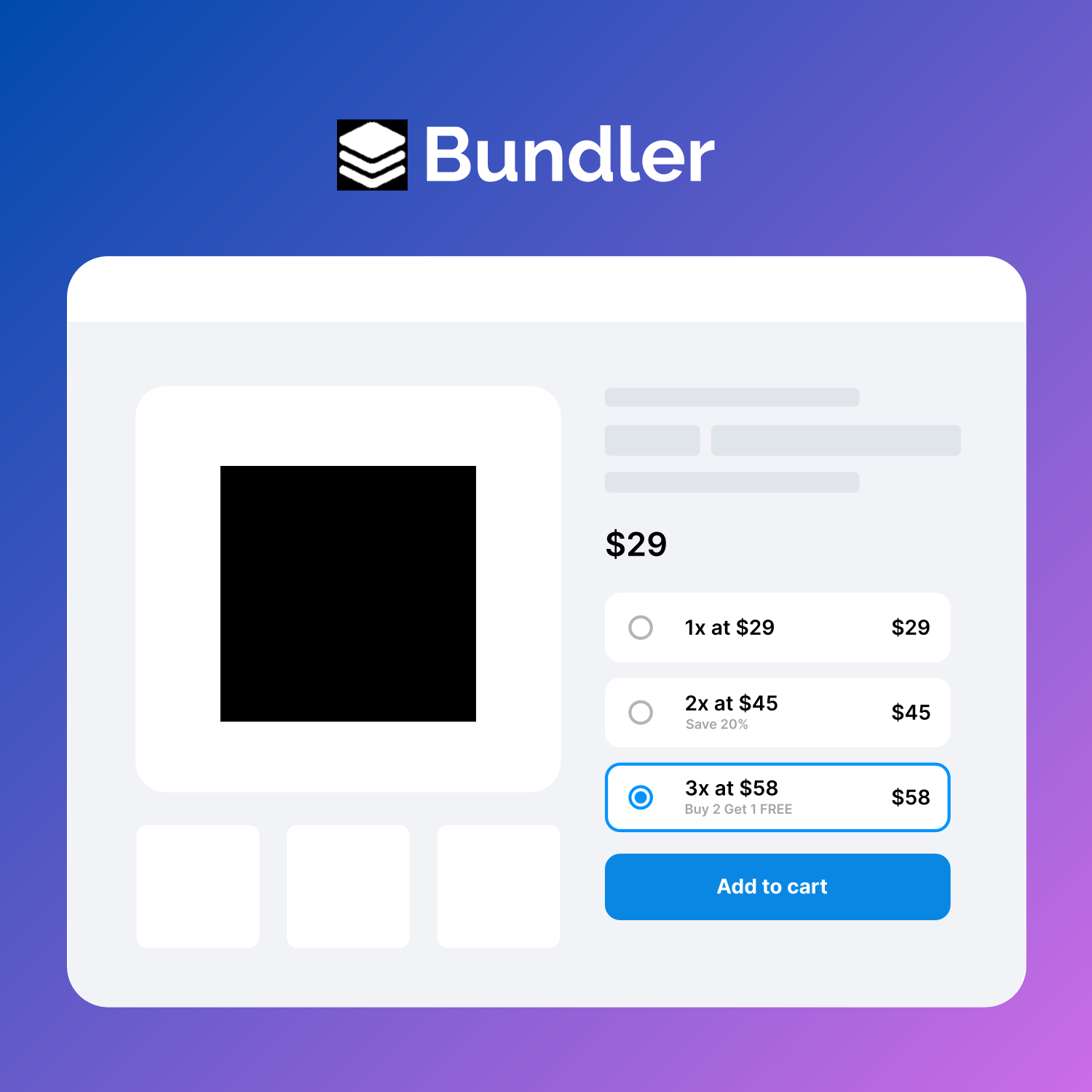
Bundle Discounts: Set special prices for specific quantities (e.g., 3 for $50 or Buy 3 items for 10% off).
Buy X Get X (BOGO): Buy a quantity of a product and get a discount on the same product (e.g., Buy One Get One Free).
Buy X Get Y: Buy a specific product and receive a discount on a different product.
Dynamic Product Filtering: Filter products by Categories, Brands, Variations, Attributes, Featured status, On-sale status, and Trending status (sold in last 15 days).
Advanced Product Properties Filter: Filter by Regular Price, Stock Quantity, or Custom Meta Fields.
Basic Cart Conditions:
Cart total weight
Number of cart items
Subtotal (including tax)
Cart & Coupon Discounts: Create custom coupons with fixed or percentage discounts.
Date & Time Scheduling: Schedule your discount rules with precise start and end dates.
Display Settings: Toggle discount tables and custom messages on single product pages.
Custom Messages: Display custom messages when a discount is applied.
Pro Features
Upgrade to the Pro version for advanced automation and even more powerful discount strategies:
Bulk / Tiered Pricing: Create complex quantity-based pricing tables (e.g., 1-5 items: 5% off, 6-10 items: 10% off, 11+ items: 20% off).
Auto-Apply Coupons: Automatically apply discounts to the cart when conditions are met.
URL Coupons: Generate links that automatically apply discounts when visited (e.g., yoursite.com/cart/?coupon=code).
Usage Limits: Set total usage limits and per-user limits for discounts.
Advanced Cart Conditions:
Subtotal excluding tax
Quantity of specific items/categories/brands in cart
Subtotal of specific items/categories/brands (inc/ex tax)
Coupons already applied in cart
Max dimensions (width/height/length) of cart items
Minimum stock quantity of cart items
Shipping classes in cart
Customer-Specific Discounts:
User Roles (Wholesale, VIP, etc.)
User Capabilities
Specific Email addresses
Login status
User Meta fields
Customer Value Conditions:
Total money spent by customer
Number of previous orders
Last order amount and date
Average money spent per order
Number of product reviews submitted
Purchase History Rules:
History of bought specific products, variations, categories, or brands.
Quantity and amount of money spent on specific categories/brands in the past.
Checkout & Shipping Conditions:
Payment method (e.g., discount for Cash on Delivery)
Shipping method
Shipping address (Country, State, City, Postcode, Zone)
Discount Modes
Simple: Apply a direct discount to products.
Bulk (PRO): Create tiered pricing based on purchase quantity ranges.
Bundle: Apply discounts when a specific number of items are bundled together. Supports fixed bundle price, fixed item price, and percentage/fixed discounts.
Buy X Get X: Traditional BOGO deals where the free/discounted item is the same as the purchased item.
Buy X Get Y: Upsell or cross-sell by offering a discount on Product Y when Product X is purchased.
Conditions & Comparison
You can combine multiple conditions using AND/OR logic groups. Supported comparison operators include:
* Less than / Less equal to
* Greater than / Greater equal to
* Equal to / Not equal to
* In / Not in (for lists like categories or products)
* Yes / No (for boolean checks)