內容簡介
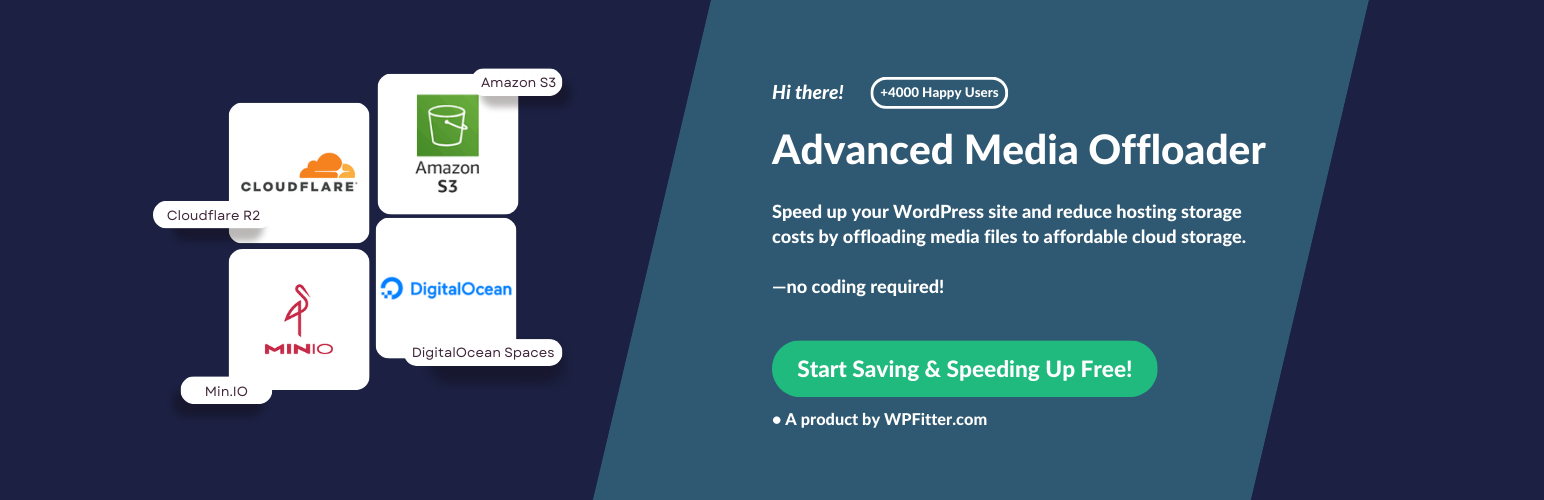
Advanced Media Offloader 可以幫助您優化 WordPress 媒體處理,將媒體檔案自動上傳至 S3 相容的雲端儲存服務,減少伺服器空間需求並提升網站效能。
【主要功能】
• 自動上傳媒體檔案至雲端儲存
• 智能政策控制檔案上傳時機
• 支援批次遷移及 WP CLI 操作
• 與縮圖再生相容,方便管理
• 支援多種雲端儲存服務
外掛標籤
開發者團隊
📦 歷史版本下載
原文外掛簡介
Advanced Media Offloader helps you optimize your WordPress media handling by automatically uploading your media files to S3-compatible cloud storage services.
Struggling with server space limitations? Want to improve your site’s performance by serving media through a CDN? This plugin handles the technical work of migrating your media to the cloud, rewriting URLs, and maintaining compatibility with your existing content.
Key Benefits
Reduce server storage requirements and costs
Decrease server load when serving media files
Improve global site loading speeds when combined with CDN services
Maintain full compatibility with WordPress media functions
No need to modify existing content – URLs are automatically rewritten
Supported Cloud Providers
Amazon S3 – The industry standard object storage service
Cloudflare R2 – S3-compatible storage with zero egress fees
DigitalOcean Spaces – Simple object storage from DigitalOcean
Backblaze B2 – Affordable S3-compatible storage with predictable pricing
Wasabi – Hot cloud storage with predictable pricing
MinIO – Any S3-compatible storage (MinIO, OVHcloud Object Storage, Scaleway, Linode, Vultr, IBM COS, and more)
Not sure which provider to choose? Check our cloud storage pricing comparison for real-world cost breakdowns.
Features
Automatic Offloading – New media uploads are automatically sent to your cloud storage
Smart Policies – Create advanced rules to control exactly which files are offloaded and when, giving you granular control over your storage. (Learn more)
Bulk Migration & WP CLI – Easily move existing media to the cloud with powerful command-line support for bulk operations and automation (Learn more)
Thumbnail Regeneration Compatibility – Compatible with WP-CLI wp media regenerate command and the Regenerate Thumbnails plugin. Regenerated thumbnails automatically offload to cloud storage. Note: Not compatible with Full Cloud Migration retention policy.
Smart URL Rewriting – All media URLs are automatically rewritten to serve from cloud storage
File Versioning – Add unique timestamps to media paths to prevent caching issues
Flexible Retention – Choose to keep local copies or remove them after successful offloading
Mirror Deletion – Optionally remove files from cloud storage when deleted from WordPress
Custom Paths – Configure custom path prefixes in your cloud storage
Image Optimizer Compatibility – Works with Modern Image Formats (recommended), Imagify, and EWWW Image Optimizer. Optimized WebP and AVIF files are automatically offloaded alongside originals. (Learn more)
Developer-Friendly – Extensive action and filter hooks for extending functionality (View Documentation)
Developer Documentation
For developers looking to extend or customize the plugin behavior, we provide comprehensive documentation for all available hooks:
View Developer Hooks Documentation →
Quick example – skip offloading files larger than 5MB:
add_filter('advmo_should_offload_attachment', function($should_offload, $attachment_id) {
$file = get_attached_file($attachment_id);
if ($file && filesize($file) > 5 * 1024 * 1024) {
return false;
}
return $should_offload;
}, 10, 2);
Configuration
For security, cloud provider credentials are stored in your wp-config.php file rather than the database.
Note: Domain and endpoint URLs will automatically be prefixed with https:// if you don’t include it, but we recommend always including the full URL for clarity.
Cloudflare R2 Configuration
define('ADVMO_CLOUDFLARE_R2_KEY', 'your-access-key');
define('ADVMO_CLOUDFLARE_R2_SECRET', 'your-secret-key');
define('ADVMO_CLOUDFLARE_R2_BUCKET', 'your-bucket-name');
define('ADVMO_CLOUDFLARE_R2_DOMAIN', 'your-domain-url');
define('ADVMO_CLOUDFLARE_R2_ENDPOINT', 'your-endpoint-url');
DigitalOcean Spaces Configuration
define('ADVMO_DOS_KEY', 'your-access-key');
define('ADVMO_DOS_SECRET', 'your-secret-key');
define('ADVMO_DOS_BUCKET', 'your-bucket-name');
define('ADVMO_DOS_DOMAIN', 'your-domain-url');
define('ADVMO_DOS_ENDPOINT', 'your-endpoint-url');
MinIO Configuration
Use this for any storage that supports the S3 API via a custom endpoint (e.g., MinIO, OVHcloud Object Storage, Scaleway, Linode, Vultr, IBM COS). Select this if your provider isn’t listed separately.
define('ADVMO_MINIO_KEY', 'your-access-key');
define('ADVMO_MINIO_SECRET', 'your-secret-key');
define('ADVMO_MINIO_BUCKET', 'your-bucket-name');
define('ADVMO_MINIO_DOMAIN', 'your-domain-url');
define('ADVMO_MINIO_ENDPOINT', 'your-endpoint-url');
define('ADVMO_MINIO_PATH_STYLE_ENDPOINT', false); // Optional. Set to true if your MinIO server requires path-style URLs (most self-hosted MinIO setups). Default is false.
define('ADVMO_MINIO_REGION', 'your-bucket-region'); // Optional. Set your MinIO bucket region if needed. Default is 'us-east-1'.
Amazon S3 Configuration
define('ADVMO_AWS_KEY', 'your-access-key');
define('ADVMO_AWS_SECRET', 'your-secret-key');
define('ADVMO_AWS_BUCKET', 'your-bucket-name');
define('ADVMO_AWS_REGION', 'your-bucket-region');
define('ADVMO_AWS_DOMAIN', 'your-domain-url');
Backblaze B2 Configuration
define('ADVMO_BACKBLAZE_B2_KEY', 'your-application-key-id');
define('ADVMO_BACKBLAZE_B2_SECRET', 'your-application-key');
define('ADVMO_BACKBLAZE_B2_BUCKET', 'your-bucket-name');
define('ADVMO_BACKBLAZE_B2_REGION', 'your-bucket-region');
define('ADVMO_BACKBLAZE_B2_DOMAIN', 'your-domain-url');
define('ADVMO_BACKBLAZE_B2_ENDPOINT', 'your-endpoint-url');
Wasabi Configuration
define('ADVMO_WASABI_KEY', 'your-access-key');
define('ADVMO_WASABI_SECRET', 'your-secret-key');
define('ADVMO_WASABI_BUCKET', 'your-bucket-name');
define('ADVMO_WASABI_REGION', 'your-bucket-region');
define('ADVMO_WASABI_DOMAIN', 'your-domain-url');
Using the S3 PHP SDK
The Advanced Media Offloader utilizes the AWS SDK for PHP to interact with S3-compatible cloud storage. This powerful SDK provides an easy-to-use API for managing your cloud storage operations, including file uploads, downloads, and more. The SDK is maintained by Amazon Web Services, ensuring high compatibility and performance with S3 services.
For more information about the AWS SDK for PHP, visit:
https://aws.amazon.com/sdk-for-php/